Tap in. Lock in.
One tap at the classroom door takes attendance and locks distractions until the bell.
Bring LatchIn to your school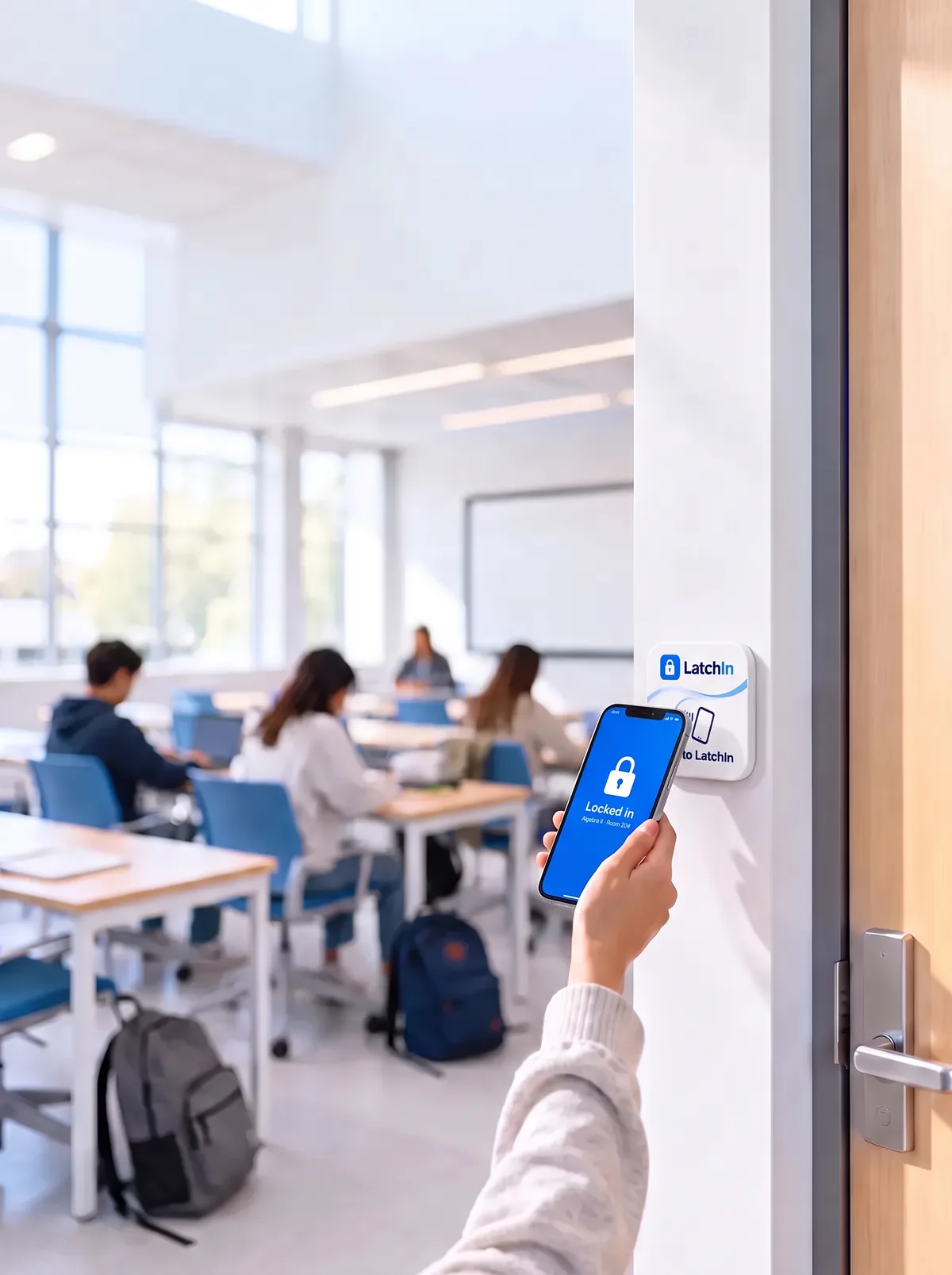
One tap
Tap in. Phone locked.
Students tap their phone on the LatchIn tag by the door. It checks them in, locks the distracting apps, and starts the class timer. School apps stay open.
 TikTok
 Instagram
 Snapchat
 YouTube
 X
 Reddit
 Discord
 Roblox
 Netflix
 Spotify
 Facebook
 Pinterest
 Google Classroom
 Khan Academy
 Desmos
 Messages
How it works
From the door to the bell.
01
Tap in
Attendance taken at the door.
02
Phone locks
Only teacher-allowed apps stay open.
03
Bell unlocks
Free again when class ends.
Three pillars
Three problems. One tap.
Focus
Distractions stay locked until the bell.
Attendance
Roll call done before they sit down.
Integrity
No proxy check-ins. No phone in a lap.
1tap
to check in and lock in.
10min
after class starts, a tap counts as late.
0phones
collected. They stay with students.
See it in action
One app. Both sides of the desk.
Go ahead and tap. These are live.
Privacy
Locks the phone. Not the student.
Teachers see attendance and lock state. Nothing else.
Recorded
Check-ins, times and attendance.
About the phone
A random ID, and whether the lock was on.
Never collected
Messages, photos, location or browsing.
Always works in class
Calls, emergency services, Messages and Health.
Learn more
Recorded
- Name, school email, school, role
- Classes, check-in and sign-out times
- Present, late or absent, and excuses
- How the check-in happened
About the phone
- A random ID made at install
- Platform and system version
- Whether the class lock was on
- Switched off, restarted, clock changed
Never collected
- Messages, photos, contacts
- Location or browsing
- Which apps you use, or for how long
- Face ID or fingerprint data
Never done
- Ads
- Selling data
- Tracking across other apps and websites
Our mission
Learning deserves your full attention.
Across the United States and around the world, classrooms are losing time and trust. Phones pull attention from learning, roll call eats the start of every class, and cheating quietly costs honest students. We’re a team of students building LatchIn so every student gets a fair, focused place to learn, and every teacher gets their time back.
of 15-year-olds in the U.S. say digital devices distract them in most or all math lessons. OECD, PISA 2022 Results: United States
We want to help modernize education, starting with the schools we pilot in. Teachers teach, students learn, and technology gets out of the way.
The team

Marco Montemurro
Co-founder & CEO

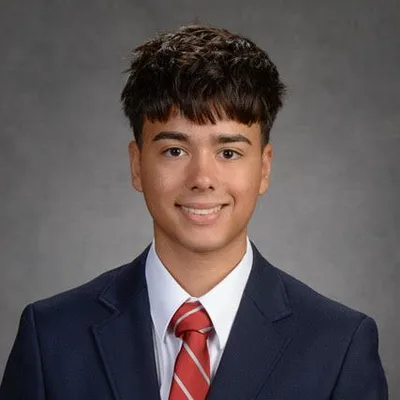
Alessandro Caruso
Co-founder & CTO


Jayden Leung
Co-founder & CFO
What if a student turns off Screen Time?
They can, on a phone they own. The teacher then sees “Lock off since 10:12” on that student’s row.
What if they delete the app?
During class, LatchIn asks the phone to block deleting it. A reinstall needs the teacher’s approval.
What if they use a friend’s phone?
It’s refused. Each student has one linked phone.
What if a student doesn’t have NFC, or a smartphone?
Phones without NFC check in from the app, labelled “no tag”. Students without a smartphone are marked by the teacher.
iPhone or Android?
iPhone first; Android is planned. On iPhone, the lock uses Apple’s Screen Time.
What stays available during class?
Calls, emergency services, Messages and Health, always. Plus any apps the teacher allows.
What data do you collect?
Attendance records, a random phone ID, and whether the lock was on. Never messages, photos, location or browsing.
What does a pilot involve?
A few classrooms with a station by each door, for 60–90 days. We agree on what to measure up front.
What does it cost?
Pilots are free for qualifying private schools. After that, pricing is per student per year.
Bring LatchIn to your school.
Tell us about your school. We’ll set up a pilot together.
Rather talk directly?